Tasks & Modules
Understanding the Tasks page and ready-made modules the team publishes for you.
The Tasks page is the main work surface. A task group gives rows a shared context, and each row is the unit the runner starts, stops, retries, and logs.
Group Types#
| TYPE | What rows represent |
|---|---|
| On-Chain | One wallet running one transaction config |
| Social | One burner account running one social config |
You choose the type when creating the group. A group cannot mix on-chain and social tasks.
Group Anatomy#
- Name
- Type — on-chain or social.
- Rows — the actual executable units, separated per wallets.
- Status — Idle, Running, Stopped, Completed, or Failed.
- Live Log - a task-specific view of matching
logs/zyper.loglines.
Custom Modules#
A module is a server-published template for a task you would otherwise build by hand.
| Module type | What it creates |
|---|---|
| Onchain module | Onchain task rows with contract, chain, function or hex data, gas, value, and optional workers |
| Social module | Social task rows using a curated HTTP or browser flow |
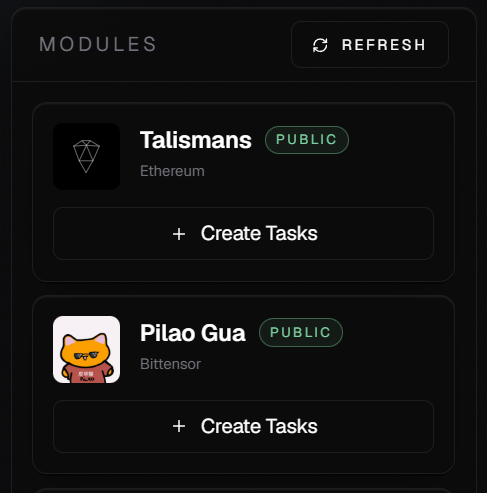
You can see live modules in the Home page. When creating modules, most of the filled is usually pre-filled and you only need to change the user-preference fields like Wallets, RPC, Max Fee / Priority Fee. The most critical things to not change is contract, function/hex, and values, unless the team explicitly told you to.